Modern
FTP & FTPS
Explicit TLS, implicit TLS, and plain FTP — in a dual-pane explorer that also connects to S3, SFTP, and Google Drive. Not a 1990s UI.
FileZilla works — but it's stuck in the past
Legacy ftp client windows tools handle FTP fine, yet they can't open FTP next to an S3 bucket, schedule automated FTP → cloud backups, or share a unified transfer queue with SFTP and WebDAV. FTPS setup is often confusing, and cross-protocol workflows still mean multiple apps. You deserve one desktop client for FTP and everything else — dual panes, retry on failure, and bandwidth limits when you migrate a whole hosting account off legacy servers.
FTP/FTPS inside a multi-protocol file manager
Add FTP with host, port, and credentials on Windows 10/11 or macOS 13+. Choose plain FTP, explicit TLS (STARTTLS), or implicit TLS (port 990). Browse server directories visually, queue bulk transfers, and copy FTP → S3 through the cloud-to-cloud queue. Password stored in your OS keychain — never on CloudPairs servers. Pro adds scheduled FTP → S3/R2 automation. Free 14-day trial, no credit card, then $12/mo for unlimited connections and cron jobs.
Why CloudPairs for FTP / FTPS
Plain FTP, FTPS explicit, FTPS implicit
STARTTLS on port 21 or implicit TLS on port 990 — pick the mode your host requires.
Dual-pane FTP ↔ S3 / SFTP / local
Open FTP in one pane and S3, WebDAV, SMB, or local disk in the other.
Passive and active mode
Configure data connection mode for NAT routers and restrictive firewalls.
Transfer queue with retry
Per-file progress, speed readout, bandwidth limiter, and one-click retry.
Scheduled FTP → S3/R2 jobs
Cron or interval automation pulls or pushes hosting folders to cloud storage (Pro).
Plain FTP security warning
In-app guidance recommends FTPS or SFTP when your server supports encryption.
Who uses CloudPairs with FTP / FTPS
Legacy shared hosting
Manage cPanel FTP site files next to a local dev pane for quick deploys.
FTP → cloud migration
Queue an entire site from FTP into a Cloudflare R2 or S3 bucket without local staging.
Partner file drop
FTPS server in the left pane, internal S3 archive in the right — one session.
Dual-pane FTP / FTPS browsing
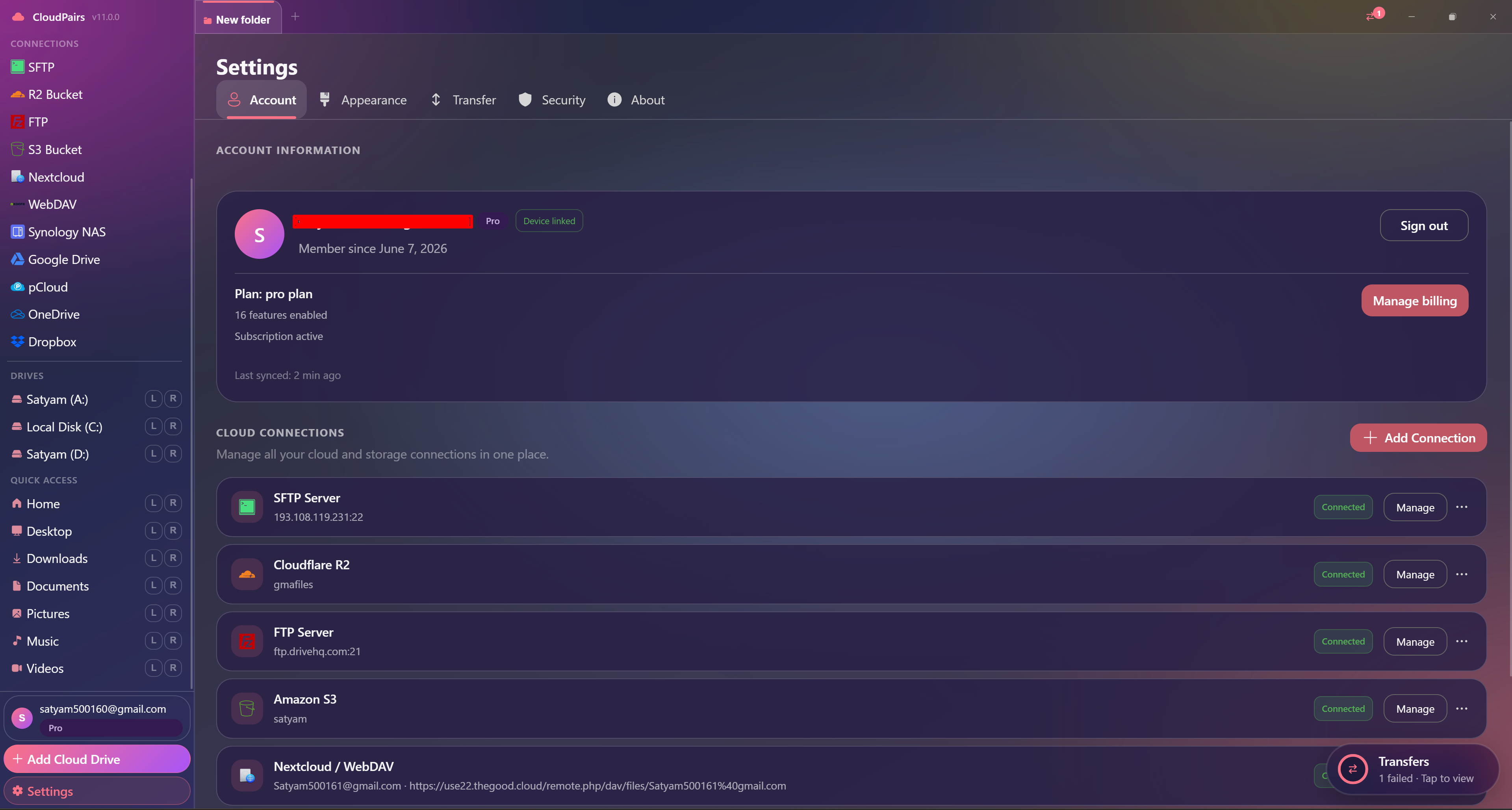
How to connect FTP / FTPS
Five steps to your first transfer. Full guide in our docs.
Download CloudPairs and sign up — free 14-day Pro trial, no credit card.
Connections → + Add connection → choose FTP / FTPS.
Enter host, port (21 for FTP / 990 for implicit FTPS), username, and password.
Select Plain FTP, Explicit TLS (STARTTLS), or Implicit TLS — then test the listing.
Save → browse in dual-pane mode; prefer FTPS or SFTP when your server supports it.
Read the full FTP / FTPS connection guide →
See also: Docs guide
CloudPairs vs alternatives
| Alternative | Limitation |
|---|---|
| FileZilla | FTP-only silo, dated UI, no S3/OAuth hub or unified automation scheduler. |
| WinSCP | SFTP-focused — FTP is secondary, no multi-cloud dual-pane workspace. |
| Windows IIS FTP via Explorer | No transfer queue, no cross-cloud pane, no bandwidth limiter. |
FTP / FTPS questions
Related cloud tools
Ready to manage FTP / FTPS?
Free 14-day Pro trial — no credit card. Then $12/mo for automation and unlimited connections.
Free forever · Pro $29 one-time · 2 years updates & support