WebDAV
made visual
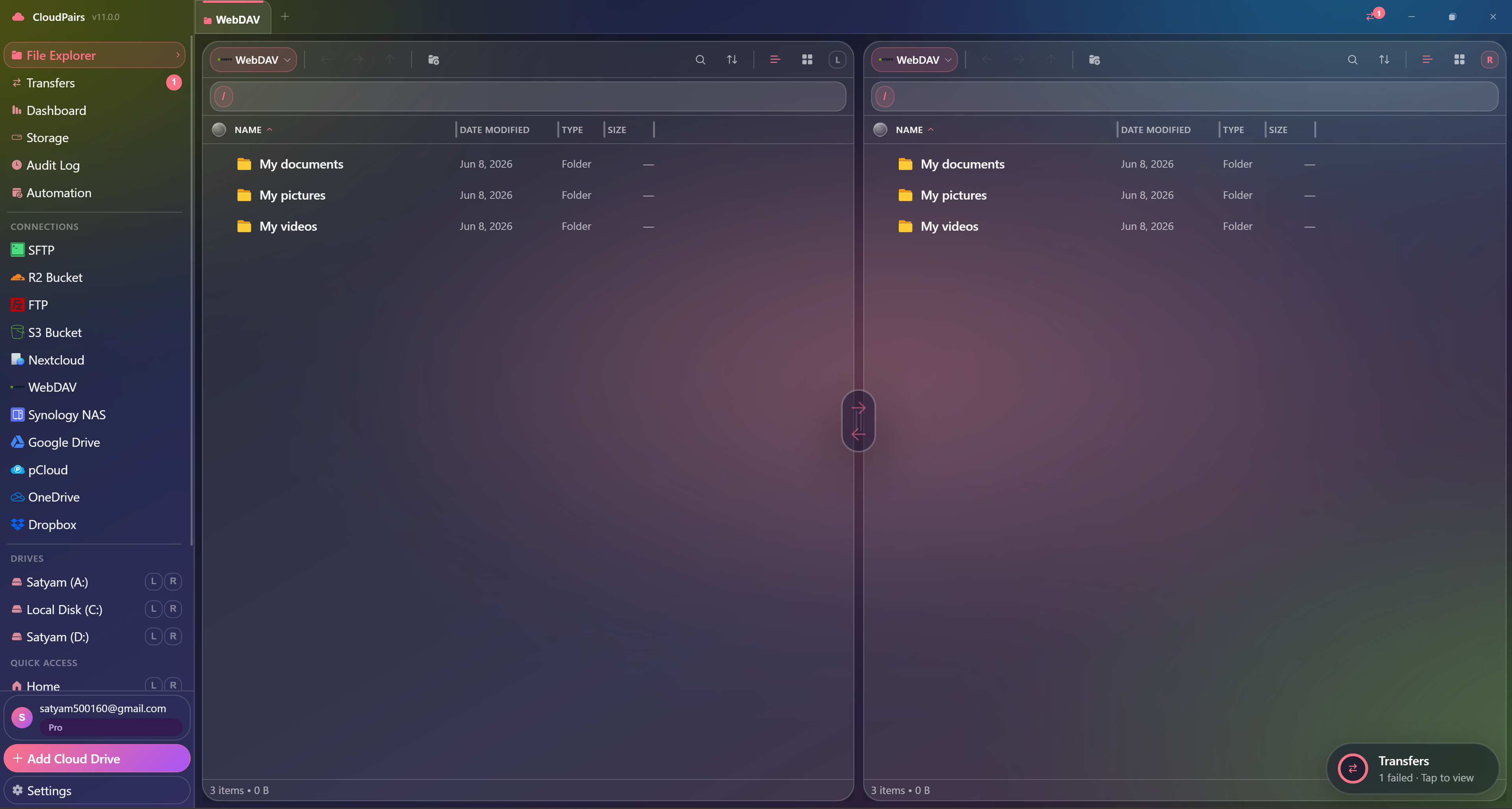
Connect any WebDAV server — Nextcloud, ownCloud, Apache, Nginx — and browse files in dual-pane mode alongside S3, SFTP, or local disks.
WebDAV without a proper desktop client is painful
Nextcloud's web UI is slow for bulk moves. macOS Finder WebDAV mounts drop connections. Windows "Add network location" lacks a transfer queue, retry, and cross-cloud copy. A webdav client should show remote folders like local files, support Basic and Digest authentication, and let you copy WebDAV → S3 without scripting. Self-hosted teams still zip, download, and re-upload when they need selective backups or client handoffs across protocols.
CloudPairs connects any RFC 4918 WebDAV server
Enter your DAV URL, username, and password — stored in your OS keychain on Windows 10/11 or macOS 13+, never on CloudPairs servers. Choose Basic or Digest auth. Browse in either pane, queue folder uploads, and automate nightly sync to S3 or SFTP. Works with self-hosted Nextcloud, ownCloud, cPanel WebDisk, and custom Nginx/Apache DAV endpoints. Free 14-day Pro trial, no credit card, then $12/mo for automation and unlimited connections.
Why CloudPairs for WebDAV
Basic + Digest authentication
Match your server's auth scheme — no guesswork on Nextcloud or custom DAV installs.
Custom WebDAV URL
Nextcloud, ownCloud, cPanel WebDisk, or any RFC 4918 path you configure.
Dual-pane WebDAV ↔ S3 / SFTP / local
Open DAV in one pane and S3, R2, FTP, or local disk in the other — drag to copy.
Recursive folder queue
Upload or download directory trees with per-file progress and automatic retry.
Scheduled WebDAV → cloud backup
Cron or interval automation mirrors folders to S3, R2, or SFTP (Pro).
TLS/HTTPS support
Connect over HTTPS; credentials encrypted in Windows Credential Manager or macOS Keychain.
Who uses CloudPairs with WebDAV
Nextcloud → S3 backup
Nightly automation copies /Documents from your Nextcloud DAV endpoint to cold S3 storage.
ownCloud media handoff
Copy project folders from WebDAV to a client Dropbox pane in one dual-pane session.
Self-hosted archive
Browse Nginx DAV in the right pane while editing deliverables locally on the left.
Dual-pane WebDAV browsing
How to connect WebDAV
Five steps to your first transfer. Full guide in our docs.
Download CloudPairs and sign up — free 14-day Pro trial, no credit card.
Connections → + Add connection → choose WebDAV.
Server URL e.g. https://cloud.example.com/remote.php/dav/files/username/
Enter username and password; choose Basic or Digest authentication.
Test connection → Save → browse WebDAV in dual-pane mode and queue transfers.
Read the full WebDAV connection guide →
See also: Docs guide
CloudPairs vs alternatives
| Alternative | Limitation |
|---|---|
| Nextcloud desktop sync | Sync-only — no S3/SFTP pane, no selective queue transfers. |
| macOS Finder WebDAV mount | Unstable connections — no queue, no cross-cloud, no bandwidth limits. |
| Cyberduck | Single-connection focus per session, limited automation scheduler. |
WebDAV questions
Related cloud tools
Ready to manage WebDAV?
Free 14-day Pro trial — no credit card. Then $12/mo for automation and unlimited connections.
Free forever · Pro $29 one-time · 2 years updates & support